
Free YouTube Chatbox Widgets
Some streams feel quiet until chat shows up. One message lands, then another, and suddenly your live has a pulse, a shared rhythm between you and everyone watching. That is the part you want on screen, not hidden in a side panel. A YouTube chatbox widget brings your YouTube chat into your overlay, so the connection you’re building feels visible, warm, and real.
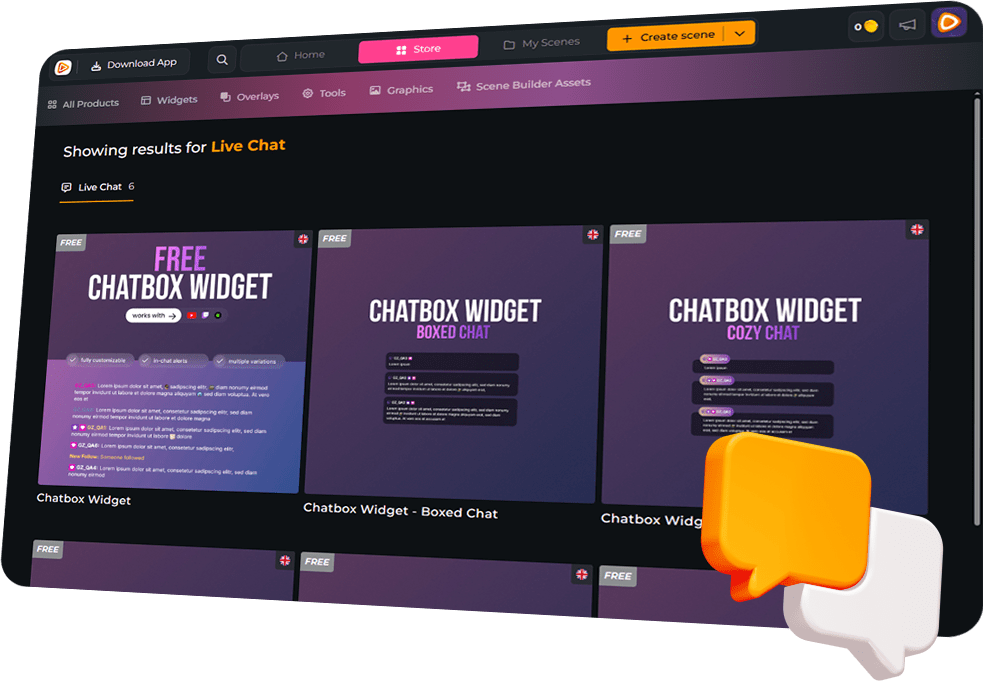
Let Your YouTube Chat Be Seen
When Chat Reacts, Let It Show
YouTube Chatbox Widget Features
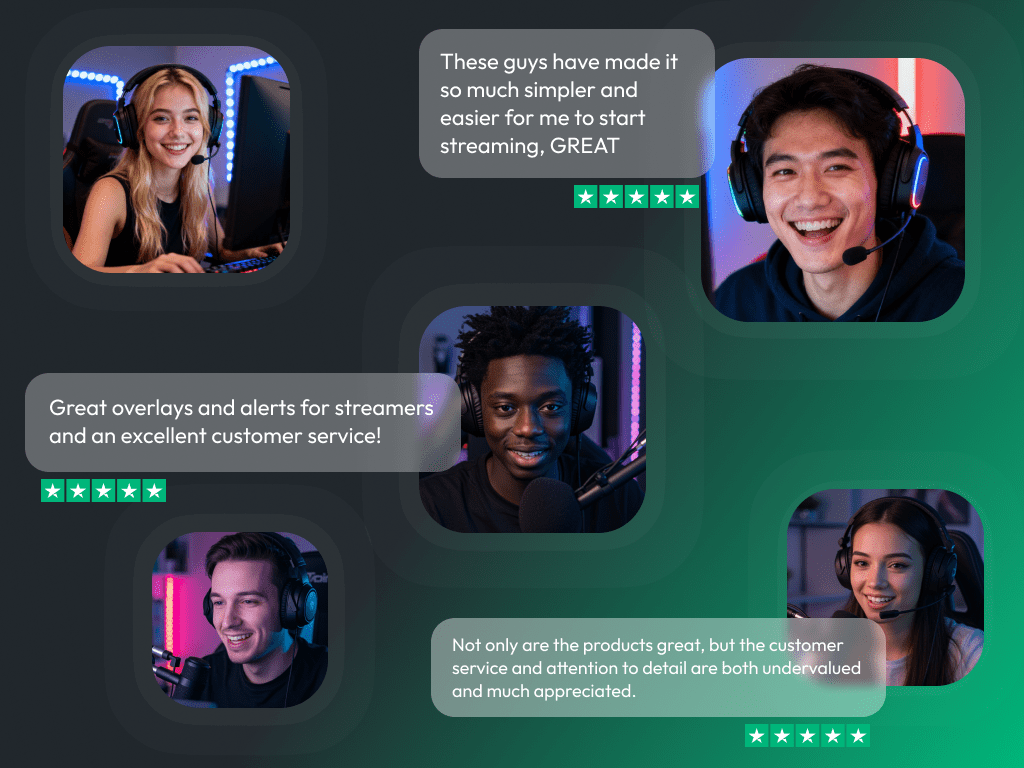
What Happy Customers Say About Our YouTube Chatbox Widgets
See how our product makes a difference for content creators.
Overlays with YouTube Chatbox Widgets Free/Premium
Ready-to-use overlays with built-in YouTube chatbox widgets that blend naturally into your stream.
FREE Stream Overlay Collection - Black-White
FREE Stream Overlay Collection - Turquoise-Pink
Sci-Fi Animated Stream Overlay – Quantumis
Where Winds Meet Animated Stream Overlay - Mistborne
GTA V Animated Stream Overlay – Streetcore
Silent Hill Animated Stream Overlay – Ashenfall
Valorant Animated Stream Overlay – Riftline
ARC Raiders Animated Stream Overlay – Arcstride
Counterstrike 2 Animated Stream Overlay – Flashpoint
Mythspire Animated Stream Overlay – League of Legends
Resident Evil Requiem Animated Stream Overlay – Umbrequiem
Ghost of Yotei Animated Stream Overlay – Mooncrest
Stream Overlay Collection for Cozy Streams - Autumn
Call of Duty Black Ops 7 Animated Stream Overlay – Nightcell
Animated Stream Overlay - SYS_CORE
Escape from Tarkov Animated Stream Overlay - Hideout
Battlefield 6 Animated Stream Overlay – Firevector
Silksong Animated Stream Overlay – Silktide
Cozy Streams Animated Stream Overlay – Woodlume
ARC Raiders Animated Stream Overlay – Arcfall
One Pass. Everything Included.
Works with all broadcasting tools
Build overlays with the YouTube chatbox widget in the Scene Builder and use them with OBS Studio, Streamlabs, XSplit, Meld Studio, and more. Easy to integrate with any setup.
Unlimited* asset downloads
Download emotes, badges, panels, and more static assets. *Our unlimited plan is subject to fair use.
AI-powered creations
Get 50 AI credits with your Stream Pass to generate custom stream widgets, webcam frames, emotes, and more.
Multistreaming ready
Stream on Twitch, YouTube, and Kick with all the tools you need for a professional-looking livestream.
FAQs About Our YouTube Chatbox Widgets
Is the YouTube chatbox widget free?
Yes, the YouTube chatbox widget is 100% free. You can set it up quickly and make chat part of the stream right away.
How do I add the YouTube chatbox widget to my stream?
Create your widget in your OWN3D Pro scene, then add it as a browser source in your broadcasting tool and place it in your scene.
Can the YouTube chatbox widget show YouTube events on stream?
Yes. Alongside chat, the YouTube chatbox widget can display YouTube-specific events, including new subscribers, members, membership milestones, gifted memberships, and live support moments like Super Chats and Super Stickers. If you multistream, you can also show Twitch and Kick events in the same flow. Just make sure you follow each platform’s rules and permissions when combining content across services.
Can I build it for horizontal streams and Shorts-style vertical live?
Yes. In the Scene Builder, you can create horizontal and vertical layouts, customize both, and use them depending on how you go live.
Can I customize the design?
Yes. Adjust fonts, colors, spacing, alignment, scroll direction, and message visibility until your YouTube chatbox widget feels like your channel.
Can I hide spam or specific users?
Yes. Filter bots, commands, and specific users so your on-screen chat stays clean and focused.
Does it support animated emotes?
Yes. Static and animated emotes are supported, so reactions feel more alive on screen.
Is it multistream ready?
Yes. The YouTube chatbox widget is multistream ready for Twitch and Kick. If you show chat across platforms, follow each platform’s rules and permissions.
Do I need plugins or extra software?
No. The YouTube chatbox widget runs as a browser source in your broadcasting tool, so no downloads or plugins are needed.