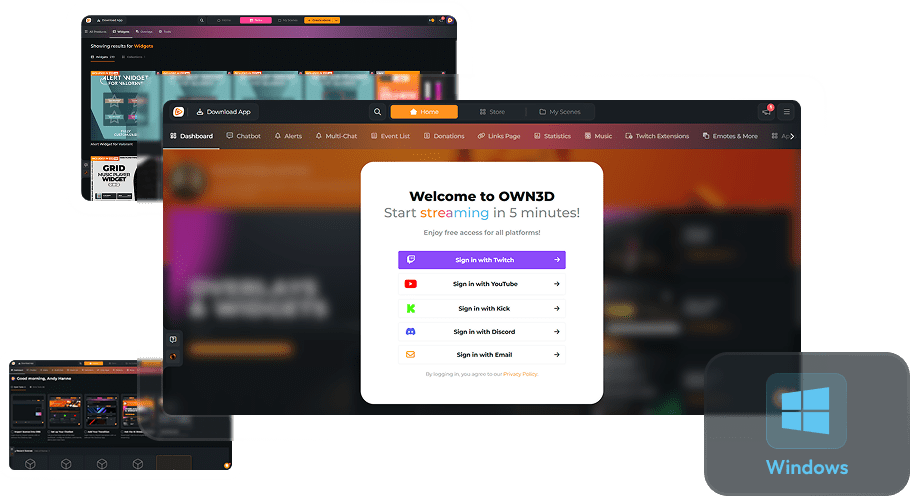
Event List Widgets
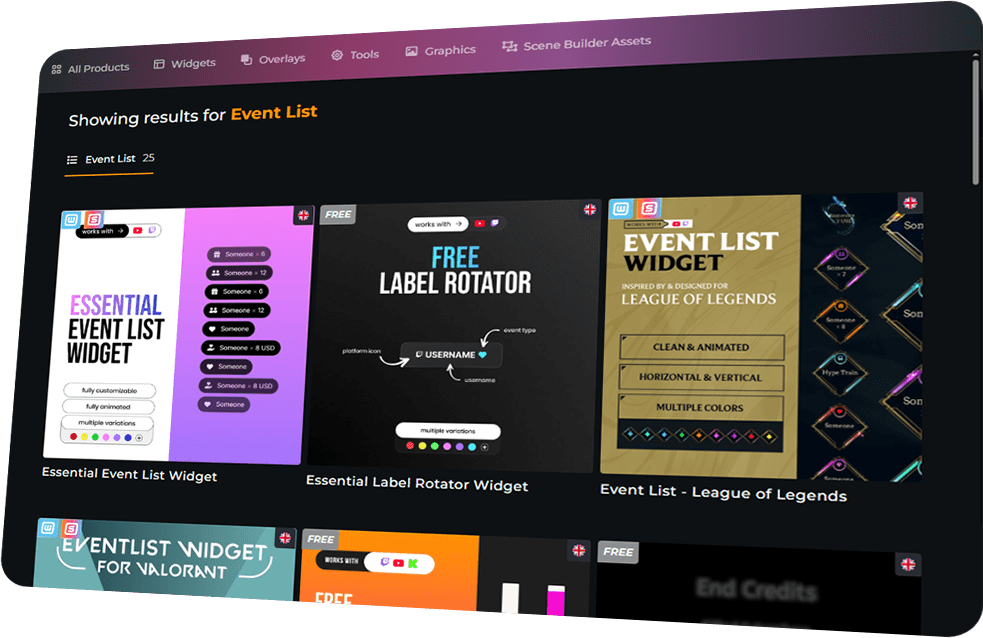
Celebrate Your Community
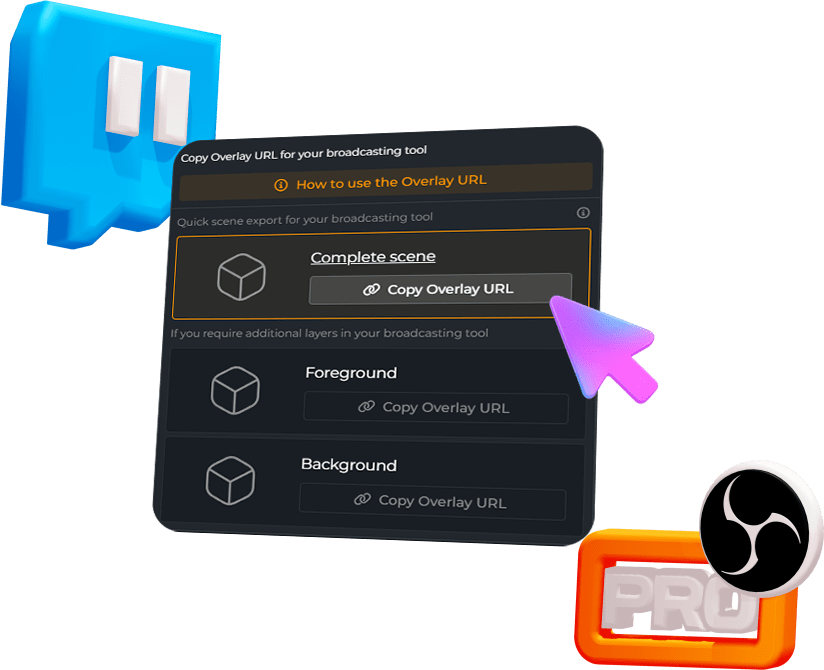
For Any Broadcasting Tool
Quickly Set Up and Start Streaming
Integration takes minutes, but the impact lasts all stream — focus on your content while your community gets the spotlight and the recognition they deserve.
Celebrate every follower, subscriber, and supporter in style.
Real-time updates keep excitement high and your viewers connected.
Exclusive templates, style controls, and alignment options.
Event List Widget Features
Keep the hype alive! The OWN3D Pro Event List tracks every supporter in real time and makes your stream more engaging.
Event List - Pokopia
Event List - Escape from Tarkov
Event List - ARC Raiders
Event List - Hytale
Event List - Simple
Event List - CleanValo
Event List - Pure
Event List - Synthrunner
Event List - Black White
Event List - Avoid
Event List - Brave
Event List - World of Warcraft
Event List - New Year 202X
Event List - YearEnd
Event List - Delta Force
Event List - 3D Xmas
Event List - Neon Christmas
Event List - Xmas Gift
Event List - Counterstrike 2 - MVP
Event List for Valorant
FREE Hype-O-Meter
Essential Label Rotator Widget
Credits
Event List - League of Legends
Essential Event List Widget
Frequently Asked Questions
What is the OWN3D Pro Event List Widget?
The Event List Widget shows your recent followers, subscribers, donations, and other community events in a live, interactive list. It works with Twitch, YouTube, and Kick.
Do I need a Stream Pass or Widget Pass to use it?
You can access the Event List with the Stream Pass or Widget Pass. These give you full access to all templates and customization options.
Can I customize the Event List?
Yes! Adjust fonts, colors, alignment, and choose from templates to match your overlay and stream style.
Which broadcasting tools are supported?
The Event List works as a browser source in OBS Studio, Streamlabs, XSplit, and any other tool that supports browser sources.
Can I use it for multistreaming?
Yes, it works simultaneously for Twitch, YouTube, and Kick.
Can I buy an individual event list widget without a Pass?
Absolutely! You can choose to buy and unlock your favorite event list widget as an individual product. Once unlocked, you have unlimited access to use your purchased product with your account!
After your purchase, you can install your widget into a scene and edit it in the Scene Builder. There, you can customize the appearance to match your stream’s style before adding it to your broadcasting tool. Keep in mind that each event list widget is a unique product, and the specific customization options can vary depending on the widget. You can always check the preview to see how the widget displays your latest followers, subs, or donations.
One quick tip: As a free user, you can install these widgets as long as you are within the limit of 6 free scenes. If you have space left, you can simply create a new scene for your event list widget and customize it there. Please note that individual products like an event list widget do not bypass the scene limit. However, you can always install them into any premium overlay pack you have purchased, as those packs do not count towards the regular scene limit. If you have any more questions, feel free to reach out to our support team anytime!