
StreamElements Alternative: Why Streamers Switch to OWN3D Pro
Thinking about switching your streaming tool away from StreamElements? OWN3D Pro could be the free alternative you’ve been searching for. It’s quick to set up, built for multistreaming, and saves you time. One login gives you everything you need to start streaming for free: alerts, chatbox, widgets, labels, and more, all working across Twitch, YouTube, Kick, and major broadcasting tools. Discover a StreamElements alternative that puts simplicity first. Try it for free and see the difference!
Why StreamElements is Losing Momentum
Complex Multistreaming Workflow
Streaming to multiple platforms is possible, but not without effort. Separate logins, multiple scenes, and duplicated alerts make the process harder than it needs to be.
Limited Customization Out of the Box
If you want overlays that actually match your style, you’ll likely need to go elsewhere. The built-in options are basic, and personalization is limited.
Slower Platform Updates
While the basics still work, innovation has slowed. Many creators are waiting for new features that match today’s streaming standards.
Steeper Learning Curve for New Users
For beginners, setting up overlays and widgets in StreamElements can feel more technical than expected. A smoother onboarding experience is often what tips the scale.
Why OWN3D Pro Is the Best Alternative
Biggest Stream Design Library 🎨
All the assets you need to stand out in one place
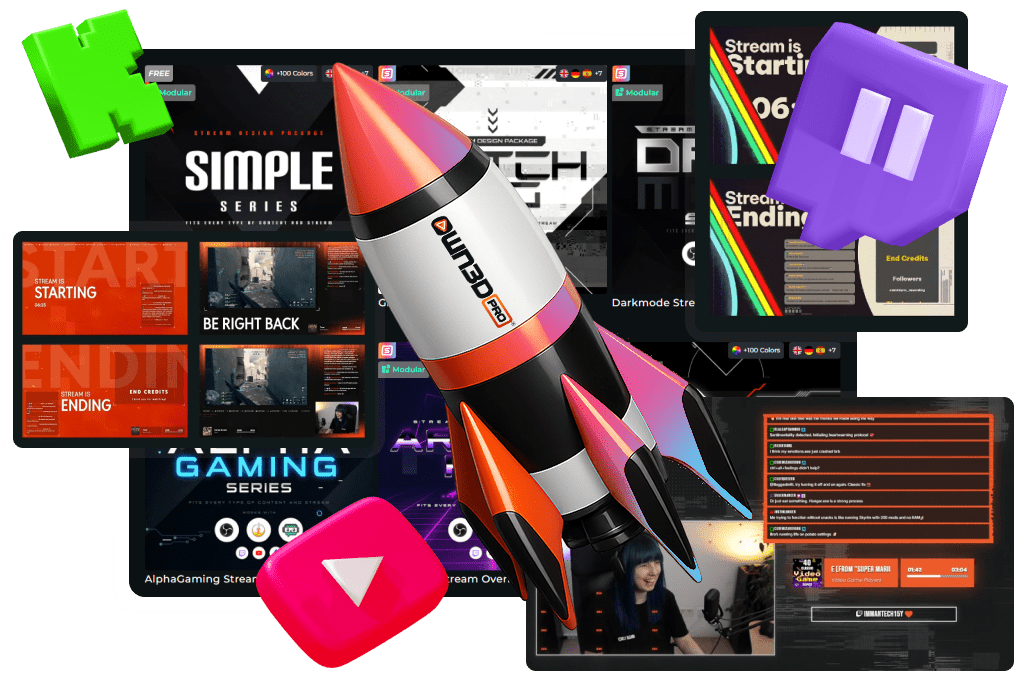
Choose from thousands of free and premium overlays, alerts, stream labels, animated scenes, Twitch panels, emotes, and more. Whether you’re building a personal brand or just having fun with friends, there’s a design that fits your style.
Fast Setup with Browser Source ⚡
Get started in minutes, not hours
OWN3D Pro works with every major broadcasting tool, including OBS Studio, Streamlabs, and more. And if you use the OWN3D Pro Desktop App with OBS Studio, setup becomes even faster and smoother. Click, install, done.
Easy Multistreaming 🌐
One scene for all platforms
Twitch, YouTube, and Kick are fully supported with a single setup. No duplicate scenes, no messy logins, no separate alerts. OWN3D Pro brings everything into one place so you can grow your community everywhere at once.
AI Tools for Customization 🤖
Create emotes, badges, widgets, and webcam frames your way
With our AI-powered tools, you can design unique stream assets in seconds. You get 5 free AI credits to play around and see what’s possible. With Stream Pass or Widget Pass, you’ll get more credits every month to keep pushing your stream further.
OWN3D Pro vs. StreamElements
From overlays to multistreaming, here's what sets us apart.
Setup Speed
Quick browser source setup, even faster with OWN3D Pro OBS App
Scene Editor
Modern Scene Builder with flexible editing and built-in stream store
Stream Designs
Full overlay packs or scene-based overlay builder with thousands of assets inside the store
Widgets
Customizable, modern, and easy to manage in your scene
Stream Store
All tools and assets in one place, with a store that’s also directly connected to your scenes
Cross-Platform Setup
One login and one scene for Twitch, YouTube, and Kick
AI Features
AI tools for emotes, badges, overlays, and widgets with AI credits
OBS Integration
Desktop app simplifies OBS Studio integration
Beginner-Friendly
Guided setup and free, ready-to-use scenes
Reviews & Feedback
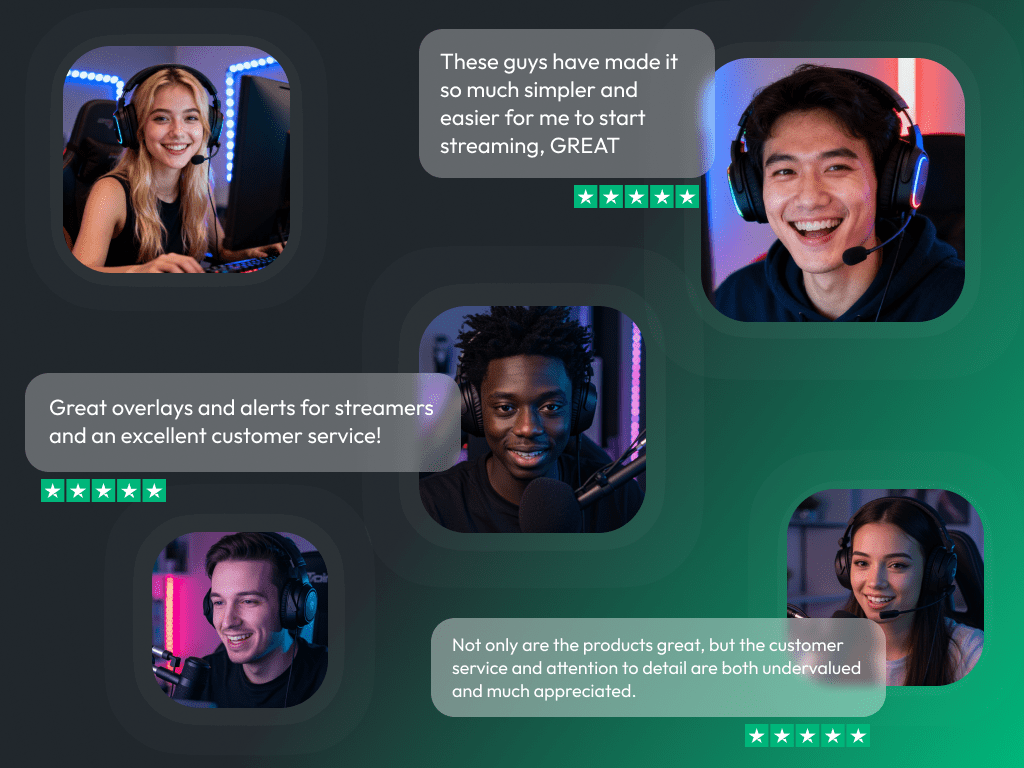
Positive feedback from thousands of creators (see Trustpilot).
StreamElements
Setup Speed
Browser source setup and SE.Live OBS plugin, but cross-platform setup requires more manual steps
Scene Editor
Classic Scene Editor with basic widgets and no direct store integration
Stream Designs
Template-based, less flexible for creating custom scenes, but you can upload your own graphics
Widgets
Functional but more limited in design and usability
Stream Store
Multiple gallery sections for different assets, organized across the platform
Cross-Platform Setup
Separate logins and separate scene setups are needed per platform
AI Features
No native AI asset generation or design features
OBS Integration
Works with OBS via a plugin, but no dedicated desktop app for setup
Beginner-Friendly
Steeper learning curve, especially for newcomers
Reviews & Feedback
Generally positive, but mixed feedback on UX and recent changes
OWN3D Pro makes streaming simpler, faster, and more creative.
Unlike StreamElements, everything is in one place, from overlays and widgets to multistreaming and AI tools. You spend less time setting up and more time creating. If you’re looking for a smoother, more modern StreamElements alternative, OWN3D Pro is built to support your vision from day one.
What Our Customers Say About OWN3D Pro
How to Switch From StreamElements to OWN3D Pro in Minutes
Switching from StreamElements to OWN3D Pro is faster than you think. In just a few simple steps, you'll setup your stream, complete with overlays, widgets, and multistream support.
Step 1
Create an account using your preferred streaming platform (Twitch, YouTube, or Kick).
Step 2
Follow the guided onboarding. You’ll be able to connect additional platforms for multistreaming and pick your first free overlay; everything happens in just a few clicks.
Step 3
Your overlay scene is now ready, including full multistream support. Go to My Scenes to view your setup.
Step 4
Copy the Browser Source URL shown for your scene, either directly inside your scene or by clicking the three dots menu.
Step 5
Open your broadcasting tool (like OBS Studio) and create a new browser source by hitting the “+”.
Step 6
Paste the link you just copied from your OWN3D Pro scene. Set resolution to 1920×1080.
Step 7
Add your gameplay, webcam, and audio. You’re ready to stream! If you want to make further changes in OBS Studio, you can, but your content is all set up!
Frequently Asked Questions
Is OWN3D Pro free to use?
What’s the biggest difference between OWN3D Pro and StreamElements?
Simplicity. Unlike StreamElements, you do not have to switch back and forth between multiple profiles and overlays. If you are looking for a clean and easy-to-use StreamElements alternative, OWN3D Pro focuses on keeping everything in one place.
With OWN3D Pro, you simply connect your streaming platforms, whether it is Twitch, YouTube, Kick, or all three, and create a single scene where all platforms are handled together. This keeps your setup organized and reduces the need for multiple different overlays.
Even if you stream on only one platform, you can set up a complete stream layout in just a few minutes with our ready-made templates and overlays.
Why is OWN3D Pro the best StreamElements alternative?
OWN3D Pro is a strong StreamElements alternative because it simplifies streaming with OBS Studio and makes multistreaming much easier. Instead of managing multiple profiles and scenes, you use a single, consistent setup that works across Twitch, YouTube, and Kick.
You can stream on all those platforms using a single scene, or start with just one platform if you prefer. This flexibility is one of the main reasons creators switch to OWN3D Pro.
In addition, the built-in AI Makers give you more creative freedom. You can create your own emotes, logos, webcam frames, and stream widgets. Every OWN3D Pro user receives 5 free AI credits to try these features.
Can I use OWN3D Pro with my existing overlays and scenes?
Yes, depending on how your overlays are currently set up. If you have graphics saved locally on your PC, you can either add them directly in OBS Studio and use the OWN3D Pro scenes as browser sources above the overlays if you just use our stream widgets, or upload your graphics to OWN3D Pro so everything stays in one place.
If your overlays are currently set up via StreamElements, you can also embed them into your OWN3D Pro scene as browser sources. However, some creators prefer switching to a full StreamElements alternative to avoid external dependencies and potential limitations. Choosing one of OWN3D Pro’s free designs or premium overlays can also be a good opportunity for a fresh rebrand.
What else does OWN3D Pro offer besides overlays and widgets?
There’s actually a lot more packed in. OWN3D Pro also gives you a simple chatbot to help manage your chat, an easy-to-set-up donation page, stream labels, and Twitch extensions. You can even enable text-to-speech for your alerts, so donations and other moments come through loud and clear. It’s all built to work together, so check it out!
What are the Widget Pass and the Stream Pass?
The Widget Pass includes everything available to free users and unlocks all premium widgets in OWN3D Pro. You get advanced alerts, goal bars, interactive widgets, and more that instantly enhance your stream, without spending time on complex setups. The big advantage of the Widget Pass is that it is the perfect choice if you already have your own overlay setup and mainly want powerful widgets.
The Stream Pass unlocks the full OWN3D Pro experience. It includes all free and Widget Pass features and gives you full access to all premium designs, overlays, and assets from the OWN3D library. With the Stream Pass, you unlock everything OWN3D Pro has to offer and can build a complete, professional stream setup in minutes.