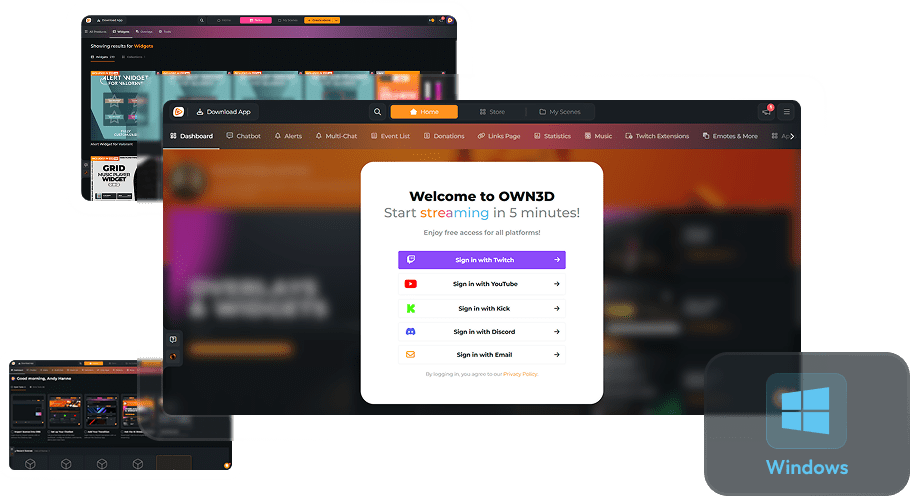
Alert Widgets
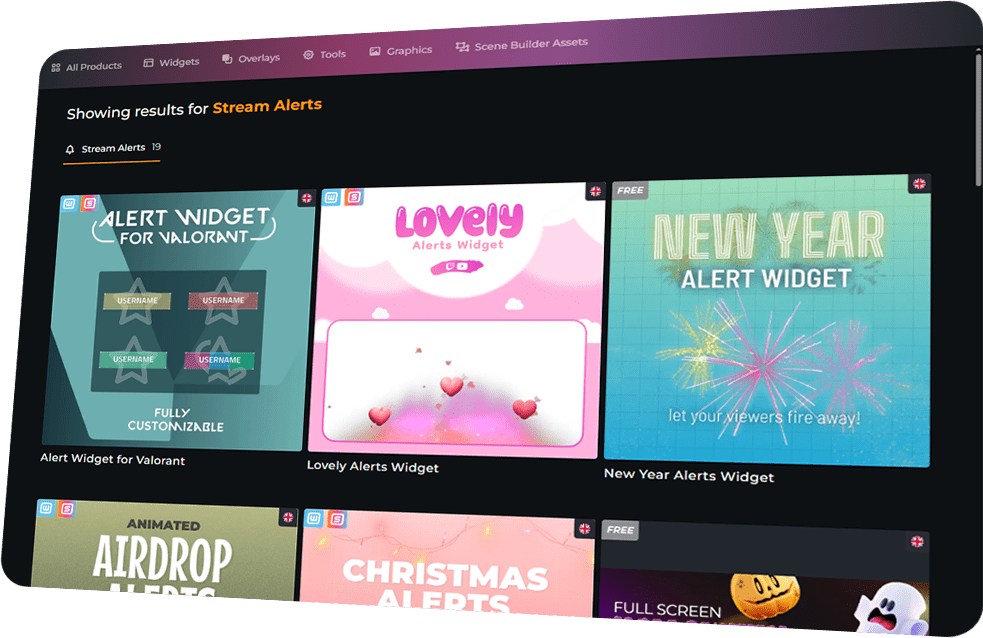
Built for Maximum Engagement
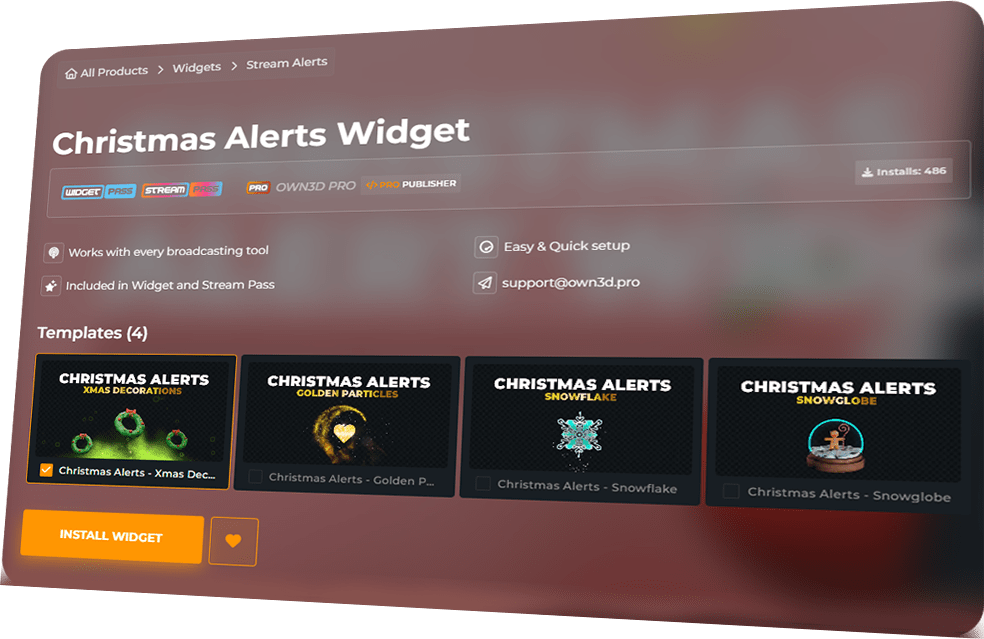
Themes That Wow
Built for All Streamers
From setup to streaming, it couldn’t be easier. OWN3D Pro Alert widgets are installed through Scene Builder and added as a browser source in your broadcasting tool. Compatible with Twitch, YouTube, and Kick, they deliver full-screen hype in minutes.
New Year Alerts are free — Widget Pass or Stream Pass unlocks the rest.
Every interaction becomes an immersive overlay event.
Halloween, Christmas, romantic, and Valorant-style themes included.
Alert Widgets Features
Transform stream events into epic moments with dynamic full-screen alerts.
New Year Alerts Widget
Lovely Alerts Widget
Christmas Alerts Widget
Airdrop Alerts Widget
Halloween Alerts
New Year Alerts Widget - New Year Alerts - Party
New Year Alerts Widget - New Year Alerts - Fireworks
Alert Widget for Valorant - Red
Alert Widget for Valorant - Yellow
Alert Widget for Valorant - Multicolor
Alert Widget for Valorant - Green
Alert Widget for Valorant
Christmas Alerts Widget - Christmas Alerts - Snowglobe
Christmas Alerts Widget - Christmas Alerts - Xmas Decorations
Christmas Alerts Widget - Christmas Alerts - Golden Partlicles
Christmas Alerts Widget - Christmas Alerts - Snowflake
Lovely Alerts Widget - Lovely Message
Lovely Alerts Widget - Rose Heart
Airdrop Alerts Widget - Airdrop Alerts Widget - Box
Frequently Asked Questions
Are any Alert widgets free?
Yes! The New Year Alerts widget is completely free. All other designs are included in the Widget Pass or Stream Pass.
Which platforms are supported?
Alert widgets work with Twitch, YouTube, and Kick.
Do I need extra software?
Just add the widget as a browser source in OBS Studio, Streamlabs, or any broadcasting tool. A broadcasting tool is required to stream on Twitch, YouTube, or Kick.
What events trigger the alerts?
Followers, subscribers, donations, memberships, Cheers, and more. Every event from Twitch, YouTube, and Kick is supported.
Can I buy an individual Alert widget without a Pass?
Absolutely! You can choose to buy and unlock your favorite Alert widget as an individual product. Once unlocked, you have unlimited access to use your purchased product with your account!
After your purchase, you can install your widget into a scene and edit it in the Scene Builder. There, you can customize the appearance to match your stream’s style before adding it to your broadcasting tool. Keep in mind that each Alert widget is a unique product, and the specific customization options can vary depending on the widget. You can always check the preview to see how the widget triggers and displays your alerts for new followers, subscribers, or other events.
One quick tip: As a free user, you can install these widgets as long as you are within the limit of 6 free scenes. If you have space left, you can simply create a new scene for your Alert widget and customize it there. Please note that individual products like an Alert widget do not bypass the scene limit. However, you can always install them into any premium overlay pack you have purchased, as those packs do not count towards the regular scene limit. If you have any more questions, feel free to reach out to our support team anytime!