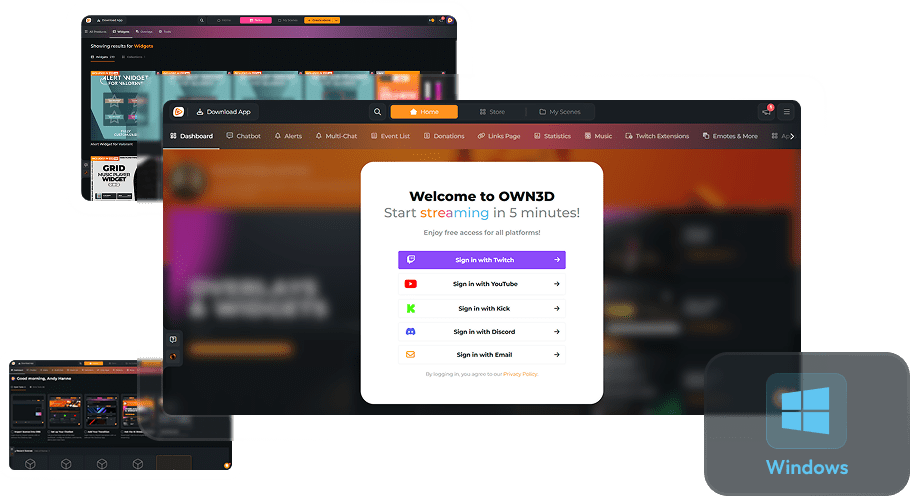
Goal Bar Widgets
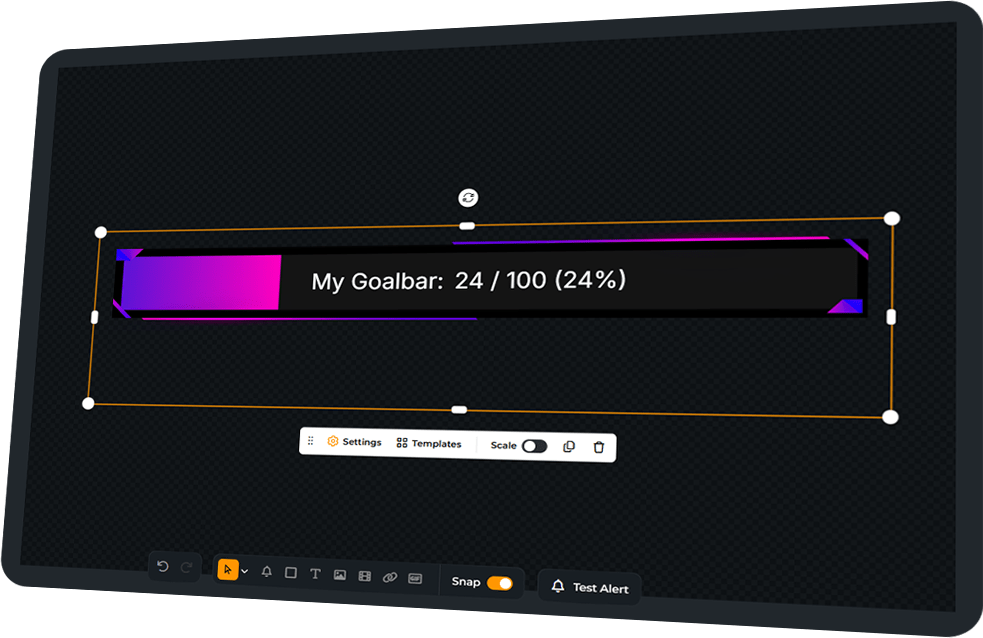
Inspire Your Community
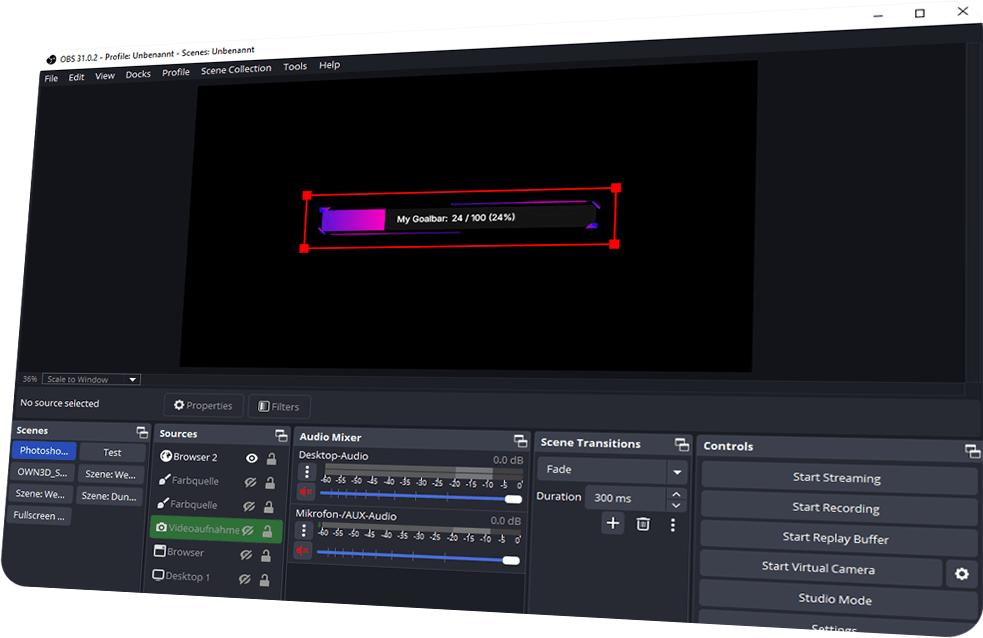
For Any Broadcasting Tool
Quickly Create Your Goal Bar
You can create your Goal Bar in just a few minutes and integrate it into a broadcasting tool of your choice. So you have even more time for your content and your stream!
In our design library, you have enough choices to find the perfect design for you.
You can boost activity in your Twitch chat and community with a predefined goal.
Your Goal Bar will update all by itself. You don’t have to think about anything else!
Goal Bar Features
Track your progress live with Twitch Goal Bars, showcasing your streaming milestones and motivating your viewers.
Goal Bar - Counter Strike 2
Goal Bar - Escape from Tarkov
Champagne Liquid Goal Bar
Christmas Globe Liquid Goal Bar
Snowman Liquid Goal Bar
Christmas Tree Liquid Goal Bar
Christmas Star Liquid Goal Bar
Chibi Rocket Liquid Goal Bar
Gingerbreadman Liquid Goal Bar
CandyCane Liquid Goal Bar
Elf Liquid Goal Bar
Reindeer Liquid Goal Bar
Coffin Liquid Goal Bar
Ghost Liquid Goal Bar
Gravestone Liquid Goal Bar
Valorant Goal Bar
Heartbeat Goal Bar
Love-Filled Goal Bar
Christmas Liquid Goal Bar
Horizontal Christmas Goal Bar
FREE Goal Bar Widget
Halloween Goal Bar Widget
Valorant Goal Bar - Green
Valorant Goal Bar - Red
Valorant Goal Bar - Dark
Frequently Asked Questions
What are OWN3D Pro Goal Bars?
Goal Bars let you set visual goals for your stream, such as followers, subscribers, or donations, and track them live on your overlay. They motivate your community to engage and support you.
How do I create a Goal Bar?
You can set up your Goal Bar in just a few minutes. Customize it in your preferred design on OWN3D Pro, add it as a browser source to your broadcasting tool, and start tracking progress immediately.
Can I customize the design of my Goal Bar?
Yes! Choose from our design library and adjust colors, styles, and sizes so your Goal Bar fits perfectly with your stream’s look.
Which streaming platforms and tools work with Goal Bars?
OWN3D Pro Goal Bars work with Twitch, YouTube, Kick, and broadcasting tools like OBS Studio and Streamlabs.
Do Goal Bars update automatically?
Yes! Your Goal Bar updates in real-time as your followers, subscribers, or donations grow.
What types of goals can I set?
Common goals include follower, subscriber, and donation goals. You can also create community or custom goals to engage your viewers in unique ways.
Are Goal Bars free?
Absolutely! OWN3D Pro Goal Bars are free for every streamer. You can use the standard free Goal Bars, or enhance your setup with Goal Bars included in the Widget Pass and Stream Pass.
Can Goal Bars boost community interaction?
Yes! Displaying a clear goal encourages viewers to participate and support your milestones, increasing engagement across your stream.
Can I buy an individual Goal Bar widget without a Pass?
Absolutely! You can choose to buy and unlock your favorite Goal Bar widget as an individual product. Once unlocked, you have unlimited access to use your purchased product with your account!
After your purchase, you can install your widget into a scene and edit it in the Scene Builder. There, you can customize the appearance to match your stream’s style before adding it to your broadcasting tool. Keep in mind that each Goal Bar widget is a unique product, and the specific customization options can vary depending on the widget. You can always check the preview to see how the widget tracks and displays your stream goals.
One quick tip: As a free user, you can install these widgets as long as you are within the limit of 6 free scenes. If you have space left, you can simply create a new scene for your Goal Bar widget and customize it there. Please note that individual products like a Goal Bar widget do not bypass the scene limit. However, you can always install them into any premium overlay pack you have purchased, as those packs do not count towards the regular scene limit. If you have any more questions, feel free to reach out to our support team anytime!