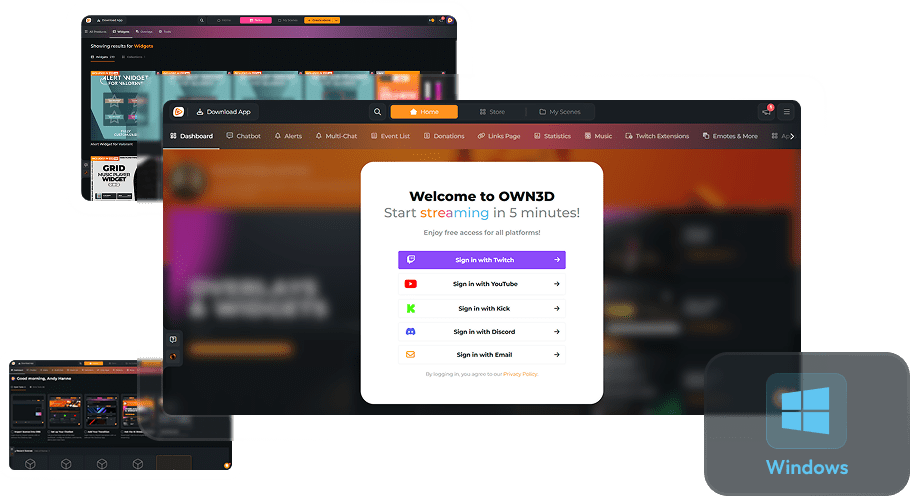
Event List
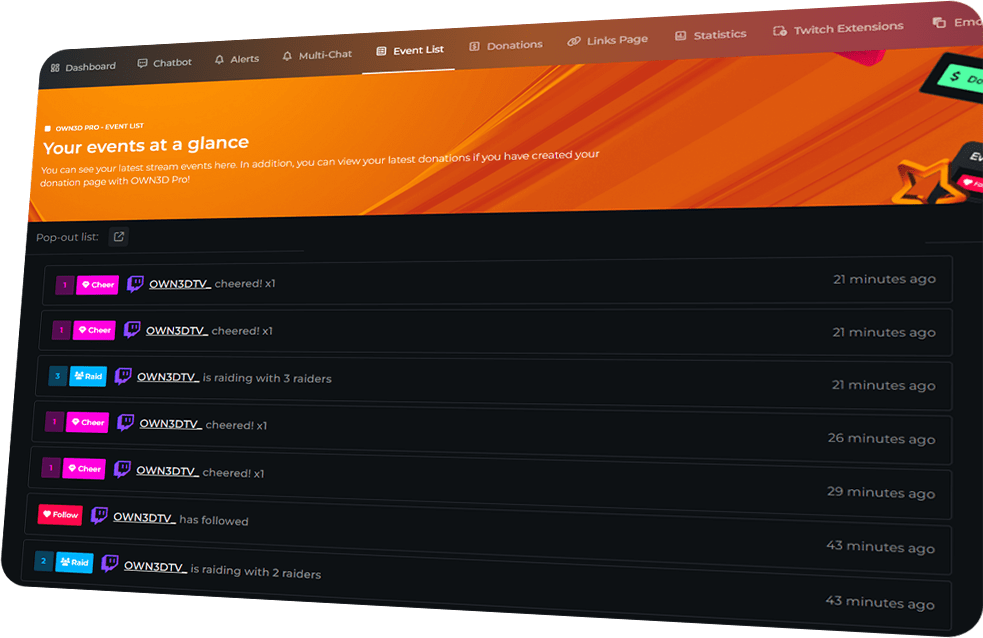
See Everything That Matters
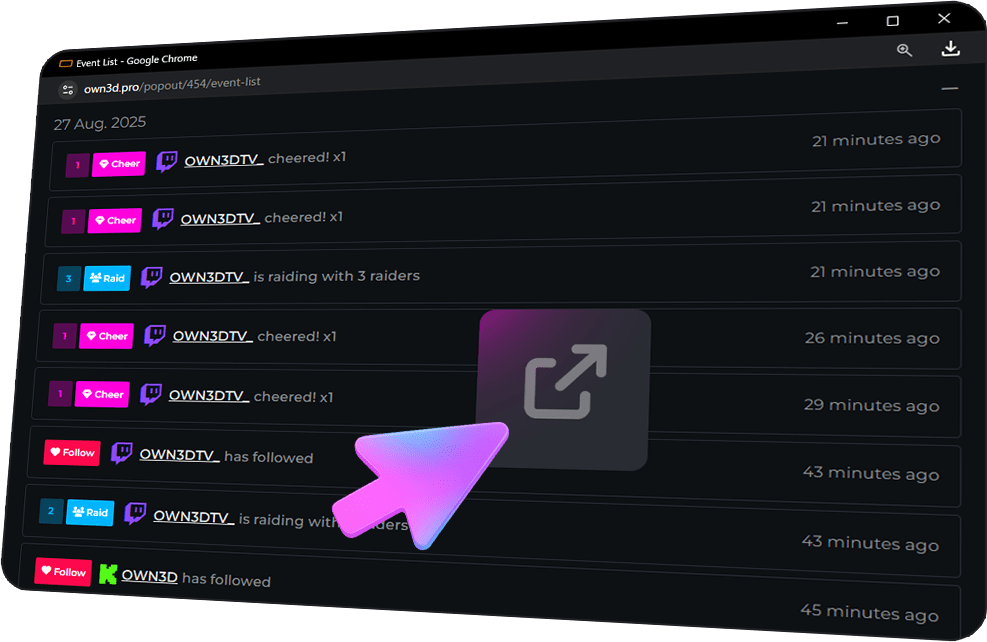
Your Event List as an OBS Dock
Always in Control
No matter what happens in chat or on stream, your Event List keeps you covered. With real-time updates, easy access, and full flexibility, you can focus on creating unforgettable content while staying connected with your community.
See every follower, subscriber, donation, and channel point redemption in real time.
Use the Event List in a separate window for easy monitoring while streaming.
Replay alerts, pause events, or review past interactions to stay on top of your stream.
Event List Features
Frequently Asked Questions
What is the OWN3D Pro Event List?
The Event List shows all your latest events from Twitch, YouTube, and Kick in one place. You’ll see follows, subs, donations, tips, channel point redemptions, and more — all in real time.
Which platforms are supported?
You can connect Twitch, YouTube, and Kick. All events from these platforms show up in real time in your Event List.
Can I replay alerts if I miss one?
Yes! With the Event List, you can instantly replay any alert at any time so your community always gets the recognition they deserve.
Can I use the Event List while streaming?
Absolutely. You can pop it out into its own window, filter events, and use it alongside your stream for maximum flexibility.
Does the Event List work with OBS Studio?
Yes, and this is a highlight! You can dock the Event List directly inside OBS Studio. From there, you can replay alerts, mute them, or pause incoming events if you’re under bot attack — all without leaving OBS.
Can I filter specific events?
Yes. You can choose exactly which events to show, whether it’s only subscribers, tips, or everything at once.
Do I need a Stream Pass or Widget Pass?
No. The Event List is available to all OWN3D Pro users.