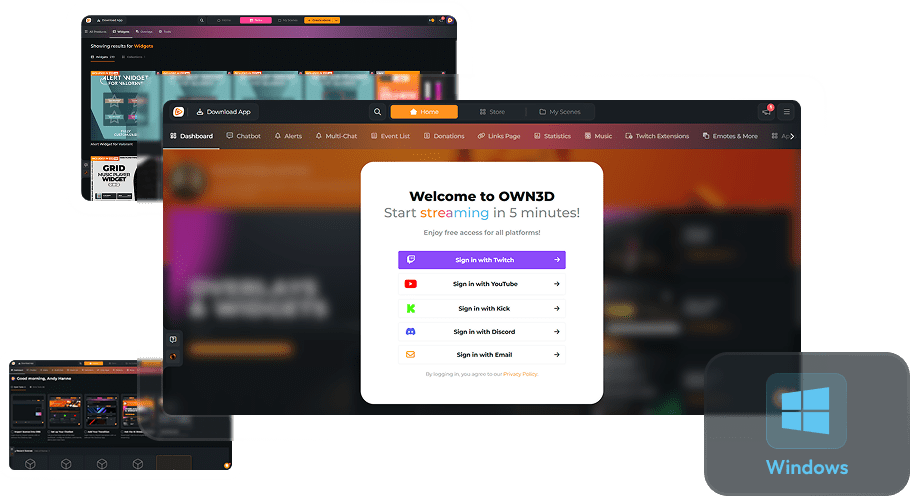
Multi-Chat
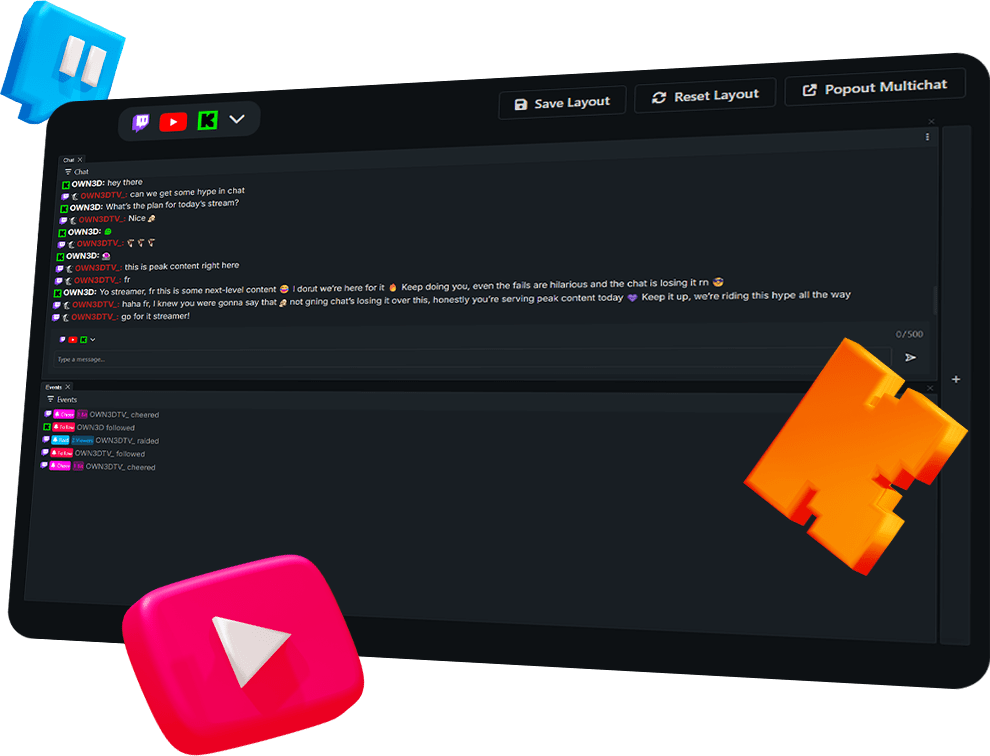
Master Your Community
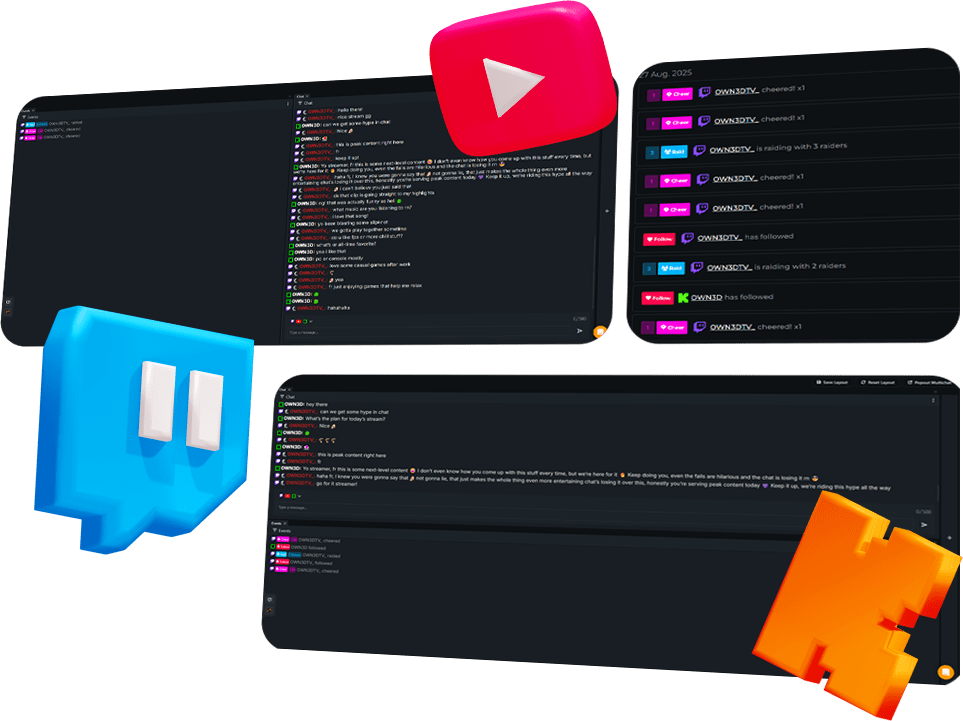
Build Your Own Layout
Pop It Out — Keep It Clean
No need to keep a browser tab open. Simply pop out your Multi-Chat into its own window and place it anywhere on your screen or second monitor. This keeps your streaming workspace tidy and efficient while keeping your community close.
One chat for Twitch, YouTube, and Kick.
Design your chat view exactly how you want it.
Combine both into one window or split them.
Multi-Chat Features
Frequently Asked Questions
What is the OWN3D Pro Multi-Chat?
The OWN3D Pro Multi-Chat allows you to view messages from Twitch, YouTube, and Kick in a single window. It runs in your browser, is customizable, and supports real-time integration with stream events.
Do I need to download anything?
No downloads are required. The Multi-Chat runs entirely in your browser, so you can start using it instantly.
Can I customize the layout?
Yes! You can arrange channels side-by-side, vertically, or focus on one main channel. You can also combine chat with event windows for a single overview.
Can I highlight specific users or keywords?
Yes! Highlight usernames, keywords, or special messages to engage with your community more effectively.
Is it free?
Yes, the Multi-Chat is completely free to use, giving every streamer the power to unify their chats.
Can I use it for multi-streaming?
Yes! You can combine your chat from Twitch, YouTube, and Kick in one window without missing a single message.