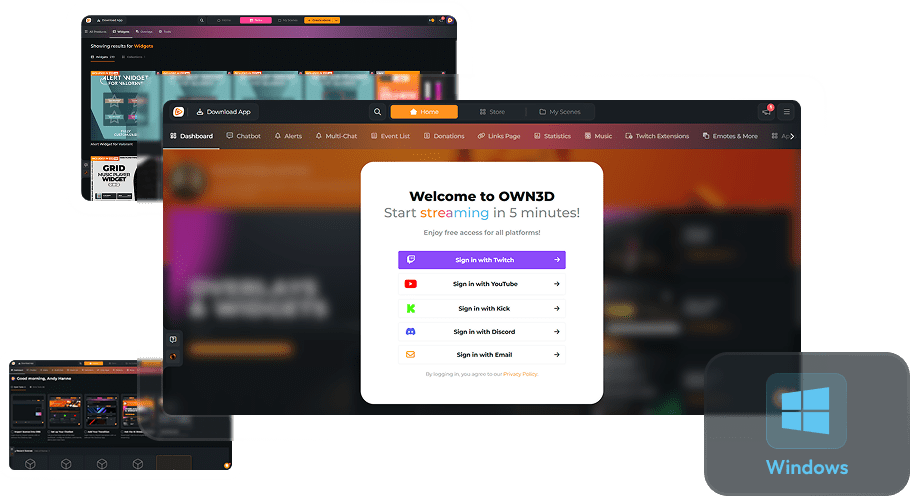
Mobile Scenes
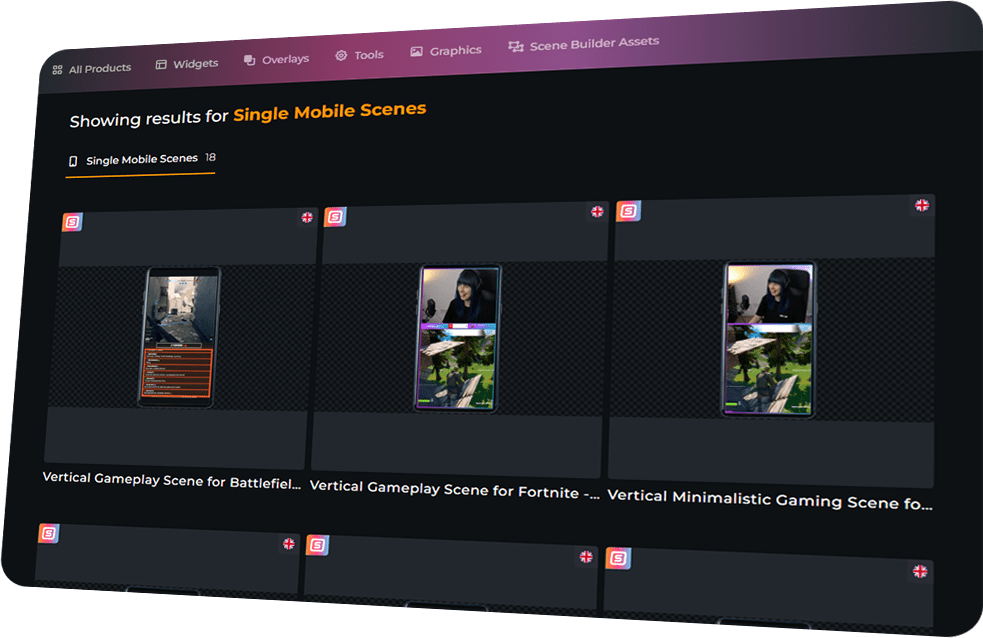
Ready-to-Stream Vertical Scenes
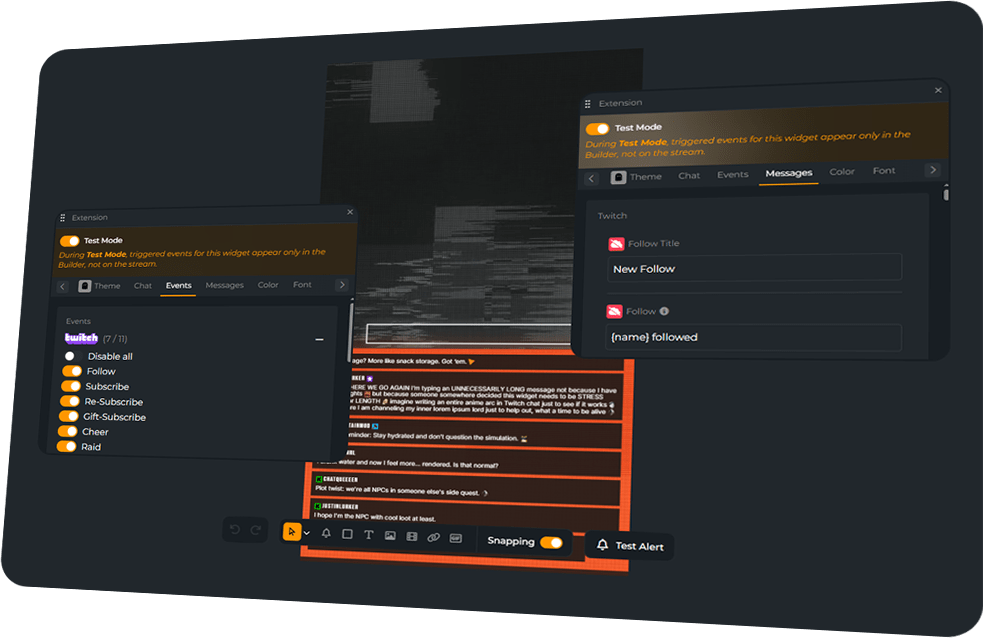
Build Your Own Vertical Scene
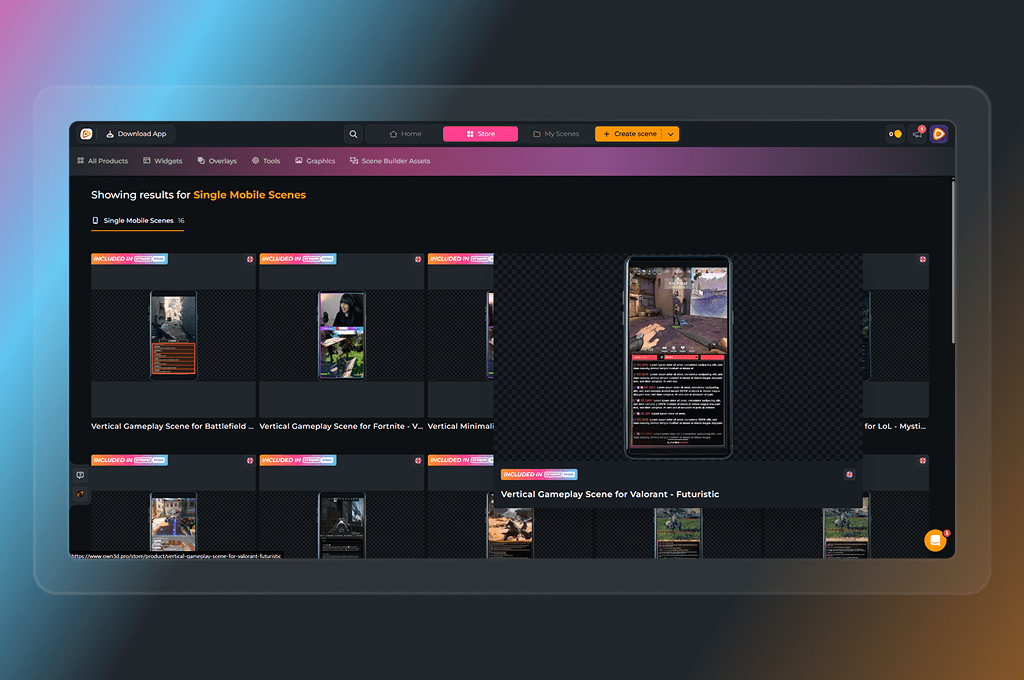
For Any Streaming Setup
Seamless Integration
Our Mobile Scenes run smoothly with all broadcasting tools that support vertical streaming. From YouTube shorts and beyond, your viewers get the perfect mobile-first experience.
Dominate vertical platforms with the perfect 9:16 layout.
Show up polished and stylish from the first second.
Make every scene match your vibe, colors, and brand.
Mobile Scenes Features
Frequently Asked Questions
What are Mobile Scenes?
Mobile Scenes are 9:16 layouts designed to make your vertical streams stand out on YouTube Shorts, and more.
Do Mobile Scenes work with TikTok?
Yes — you can use our overlays with TikTok LIVE Studio for stunning visuals. Labels and widgets require TikTok’s built-in sources or third-party tools like Tikfinity.
Can I customize Mobile Scenes?
Definitely! Edit pre-made ones or build from scratch to make them fully yours.
Which platforms are supported?
OWN3D Pro generally works with Twitch, YouTube, and Kick, but not every platform offers vertical streaming yet. Mobile Scenes work with any broadcasting tool that supports vertical streaming. They’re perfect for YouTube Shorts and other vertical-first platforms. Twitch is currently testing vertical streaming, and once it’s officially rolled out, you’ll be ready to use Mobile Scenes there, too.
Are Mobile Scenes free?
Yes — choose from free designs or unlock exclusive designs with the Stream Pass.
I love a premium mobile scene, but I don’t want to upgrade to the Stream Pass. What are my options?
Great question! If you’ve found the perfect look and only want to unlock that specific design, you can absolutely do so. Our premium mobile scenes are available as individual purchases and are specifically designed for vertical streaming in 9:16 format. Once you buy and unlock a mobile scene, you can install it within the Scene Builder on OWN3D Pro and add it to your broadcasting tool as a browser source. Once unlocked, you have unlimited access to use it with your account!
Depending on the mobile scene you choose, different assets and layouts are included. Please note that not every mobile scene includes the same items. You can install the preview first to see exactly what’s inside.
One quick tip: As a free user, there is normally a limit of 6 installable scenes. However, this limit does not apply to mobile scenes you have purchased! Any mobile scene you buy and unlock can be installed regardless of the standard scene limit. If you have any more questions, feel free to reach out to our support team anytime!