
Free Streaming Chatbot
A good streaming chatbot is essential for streamers. Part of our carefree tool is the OWN3D chatbot, your free streaming chatbot for Twitch, Kick, and YouTube. It comes packed with all the features you need to moderate chats, engage your audience, and keep your stream running smoothly so you can focus fully on what matters most: your content and your community.

Your Chatbot Cares for Your Chat
Create Giveaways
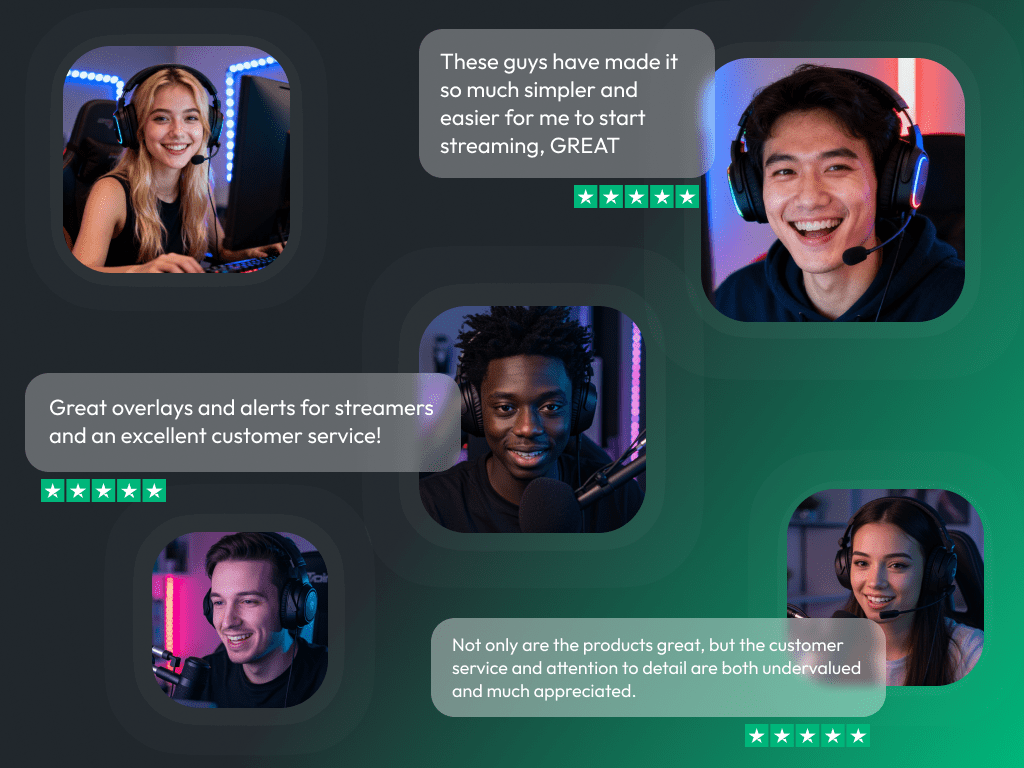
What Happy Customers Say About Our Streaming Chatbot
See how our streaming chatbot makes a difference for content creators.
One Pass. Everything Included.
Works with all broadcasting tools
Customize your stream in the Scene Builder and use it with OBS Studio, Streamlabs, XSplit, or other tools. Everything works smoothly with your setup.
Unlimited* asset downloads
Download emotes, badges, panels, and more static assets. *Our unlimited plan is subject to fair use.
AI-powered creations
Get 50 AI credits with your Stream Pass to generate custom stream widgets, webcam frames, emotes, and more.
Multistreaming ready
Stream on Twitch, YouTube, and Kick with all the tools you need for a consistent and professional livestream.
FAQs About the Streaming Chatbot
Why should I use the chatbot as a streamer?
A streaming chatbot makes streaming much easier: it takes care of moderation, posts useful commands, and keeps your community engaged. Instead of stressing about spam or trolls, you can focus fully on your stream.
What makes the OWN3D chatbot different from other bots?
The OWN3D stream chatbot is designed for streamers who want a simple, quick-to-set-up bot without unnecessary extras. It reliably manages your chat, keeps trolls away, and ensures everything runs smoothly.
Is the OWN3D Pro stream chatbot beginner-friendly?
Can I customize the OWN3D Pro streaming chatbot?
You can create custom commands, add chat alerts (e.g. for new followers), set up timers, run giveaways, and decide how strict the stream chatbot should moderate your chat.
Does the chatbot work on Twitch, YouTube, and Kick?
Yes! The OWN3D chatbot supports Twitch, YouTube, and Kick, so you can manage your community across all major platforms with ease. Some features may vary depending on the platform, but no worries! Just check the chatbot dashboard to see exactly what’s available for your setup.
Is the chatbot available for free?
Yes! The OWN3D streaming chatbot is completely free to use.
Can the chatbot run 24/7?
As long as your stream is live and the bot is connected, it will stay active. You can also use timers and commands even during longer streams.
Does the chatbot support multiple languages?
Yes, the OWN3D streaming chatbot can be used in different languages. You can set your commands and messages in the language of your choice.